Building customer portals that scale without pain
A customer portal is easy to launch and hard to grow. The decisions that matter are the ones you make before the first screen.
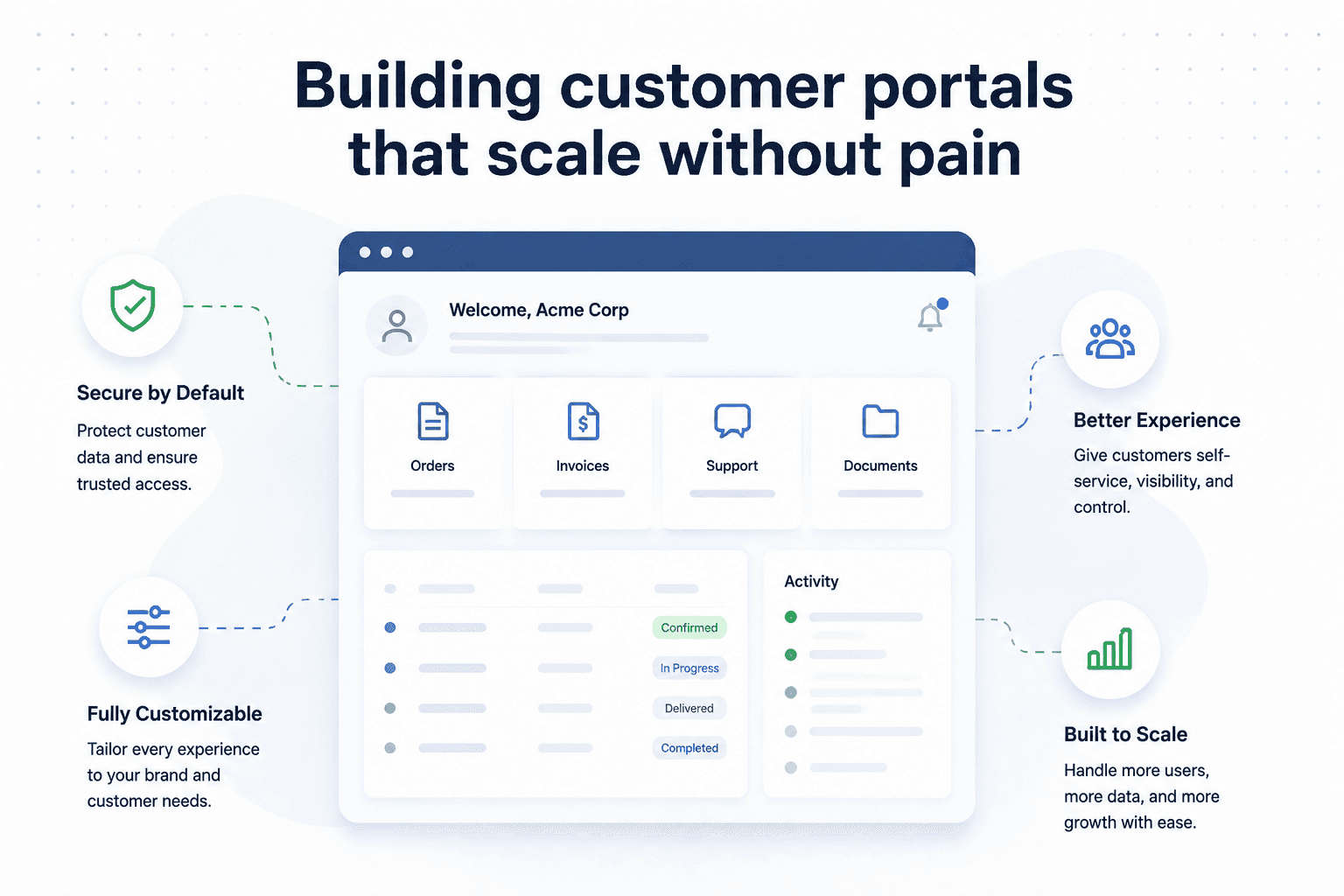
Most customer portals start simple — a login, a dashboard, a few actions. The trouble arrives later, when usage grows and every new feature feels harder to add than the last. The causes are almost always early decisions.
Model the domain before the screens
It's tempting to start with pages. Resist it. The portals that scale start from a clear model of the entities involved — accounts, users, roles, resources — and how they relate. Screens are cheap to change; a confused data model is not.
// A little structure early prevents a lot of refactoring later
interface Account {
  id: string;
  plan: "starter" | "growth" | "enterprise";
  members: Membership[];
}

interface Membership {
  userId: string;
  role: "owner" | "admin" | "member";
}
Get authentication and roles right early
Retrofitting permissions onto a portal that assumed one kind of user is one of the most expensive changes there is. Decide early how roles and access work, even if you only ship one role at launch.
A common trap
Hard-coding a single user type. The day you add a second — an admin, a partner, a read-only viewer — you'll rework half the app if access wasn't a first-class concept.
Treat performance as a feature
A portal people use daily has to feel instant. Cache what's stable, paginate what's large, and measure real usage. Speed isn't a polish step — it's part of whether people trust the product.
None of this requires over-engineering. It requires making a handful of structural decisions deliberately, before they calcify into constraints.
Related articles

Let's talk through your challenge
If this resonates with a problem you're working on, we're glad to help you think it through — no pitch, just a useful conversation.